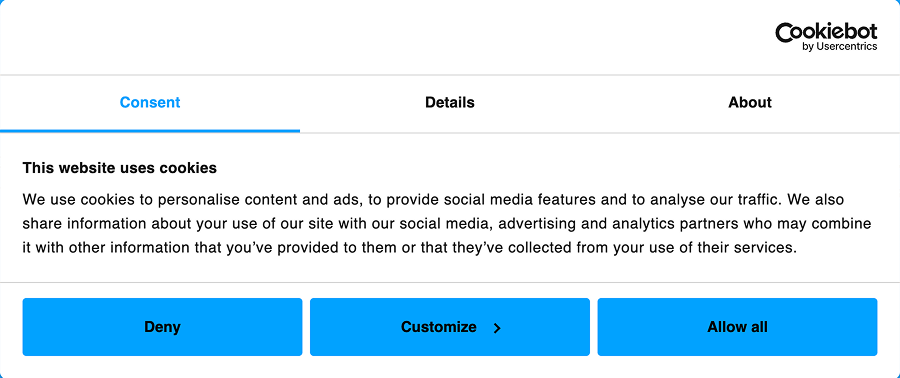
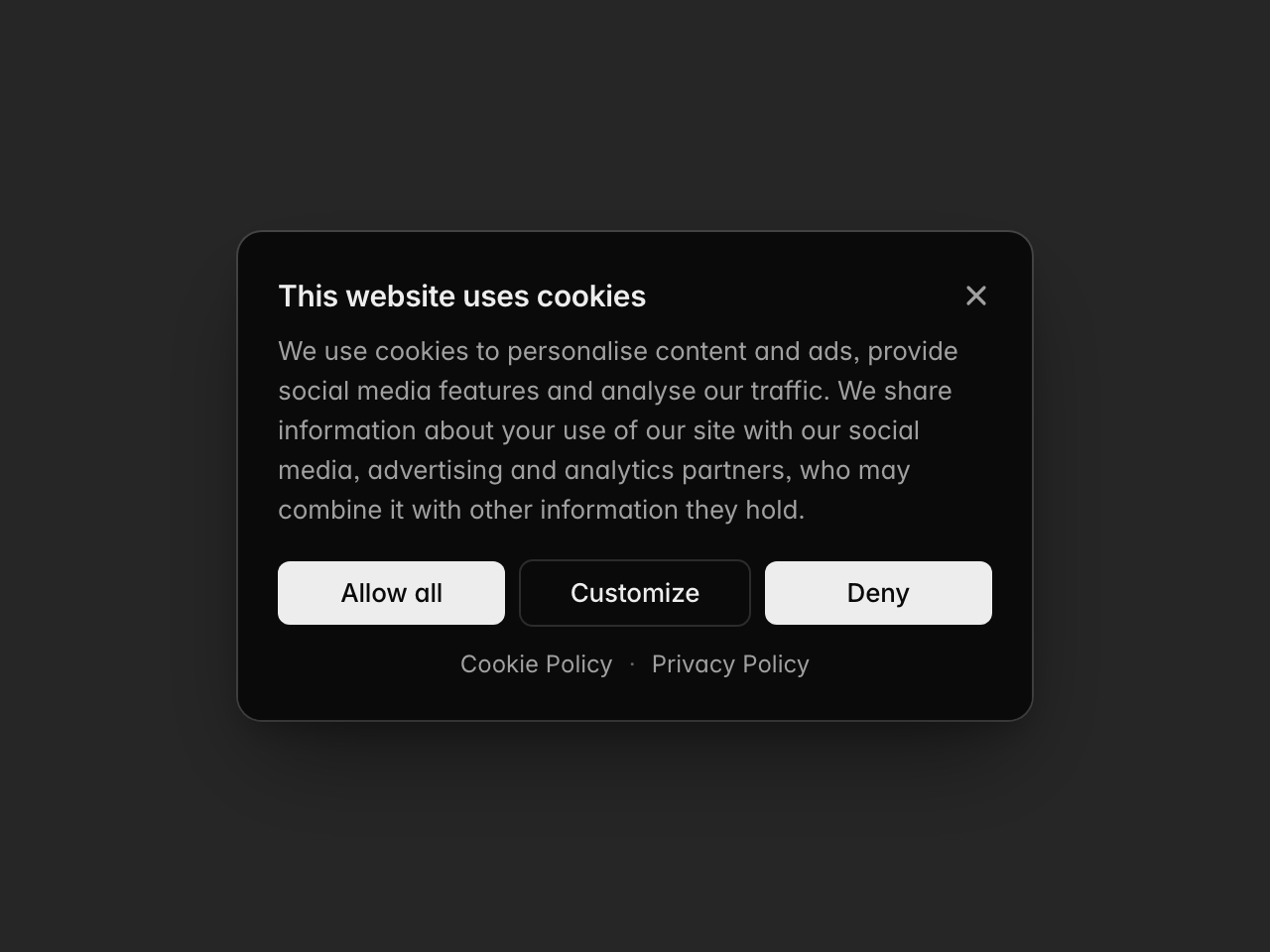
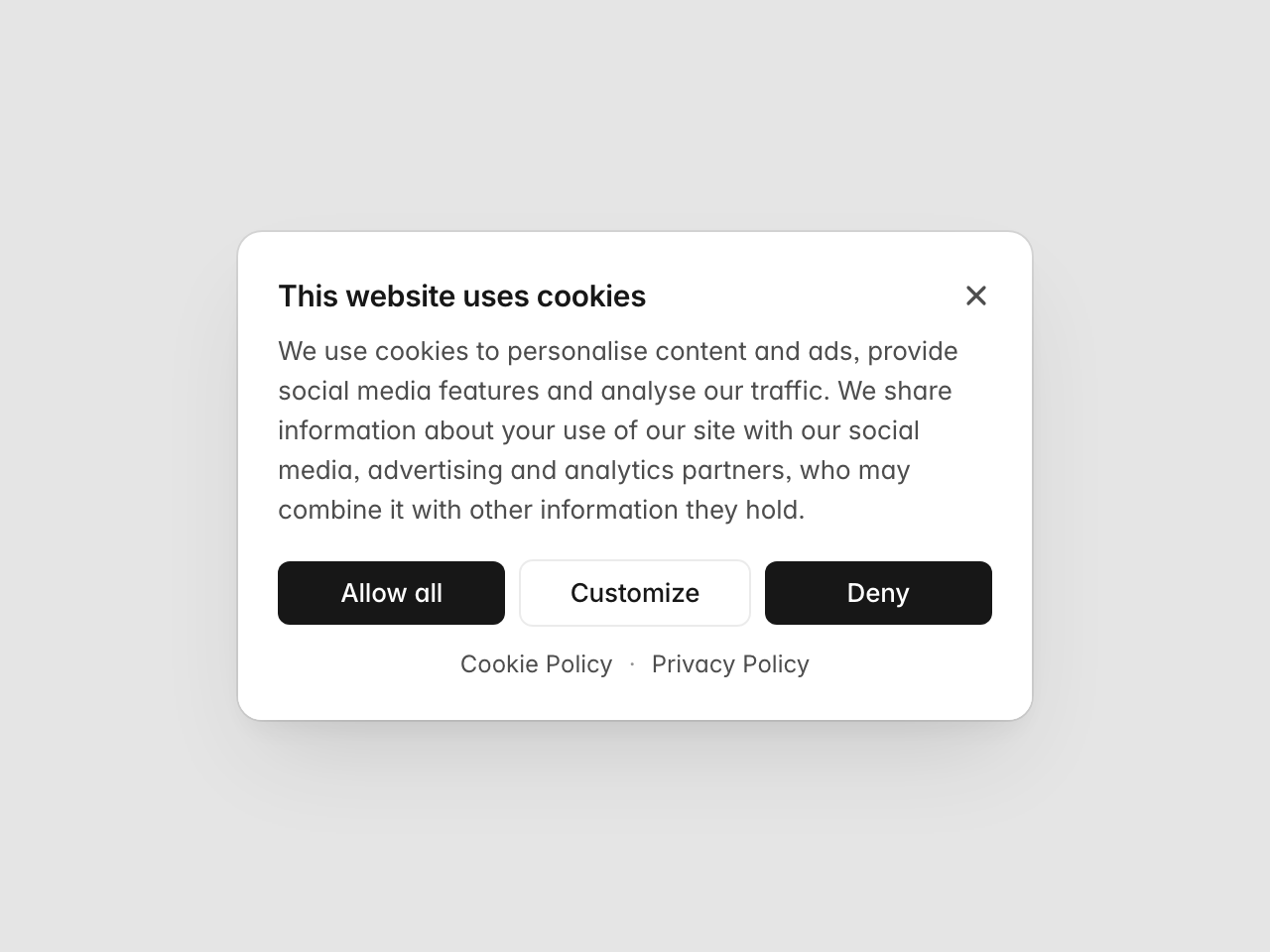
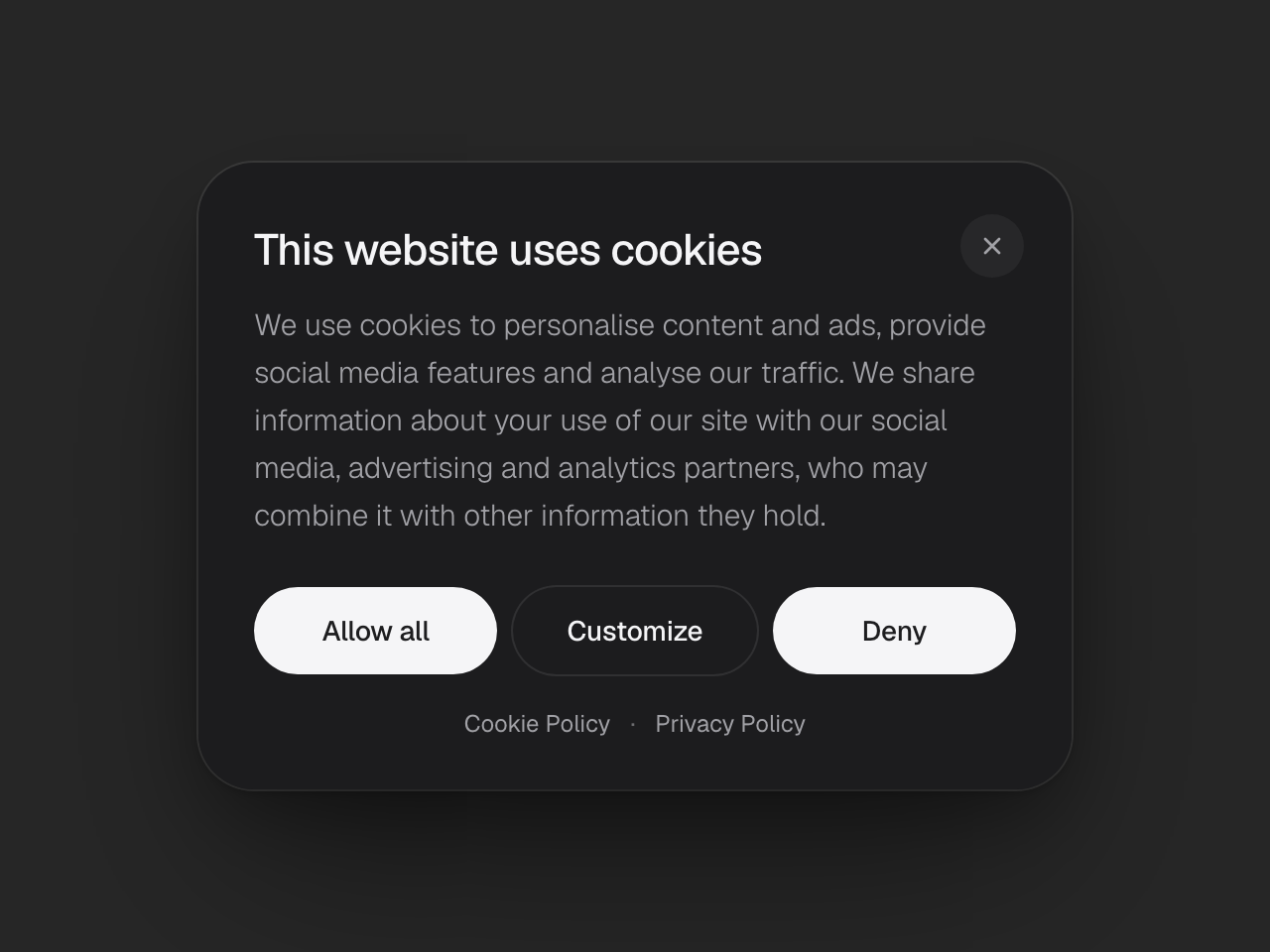
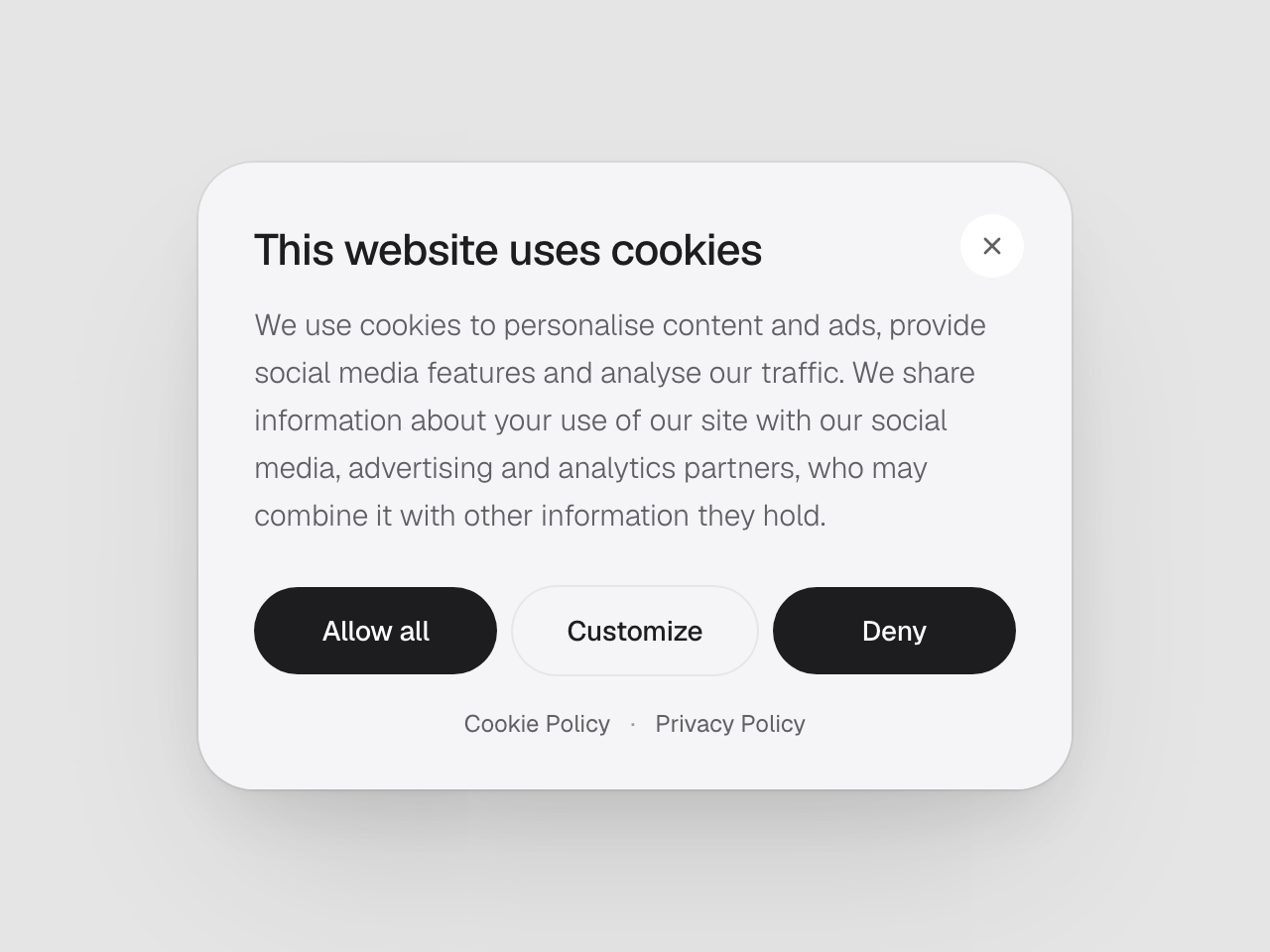
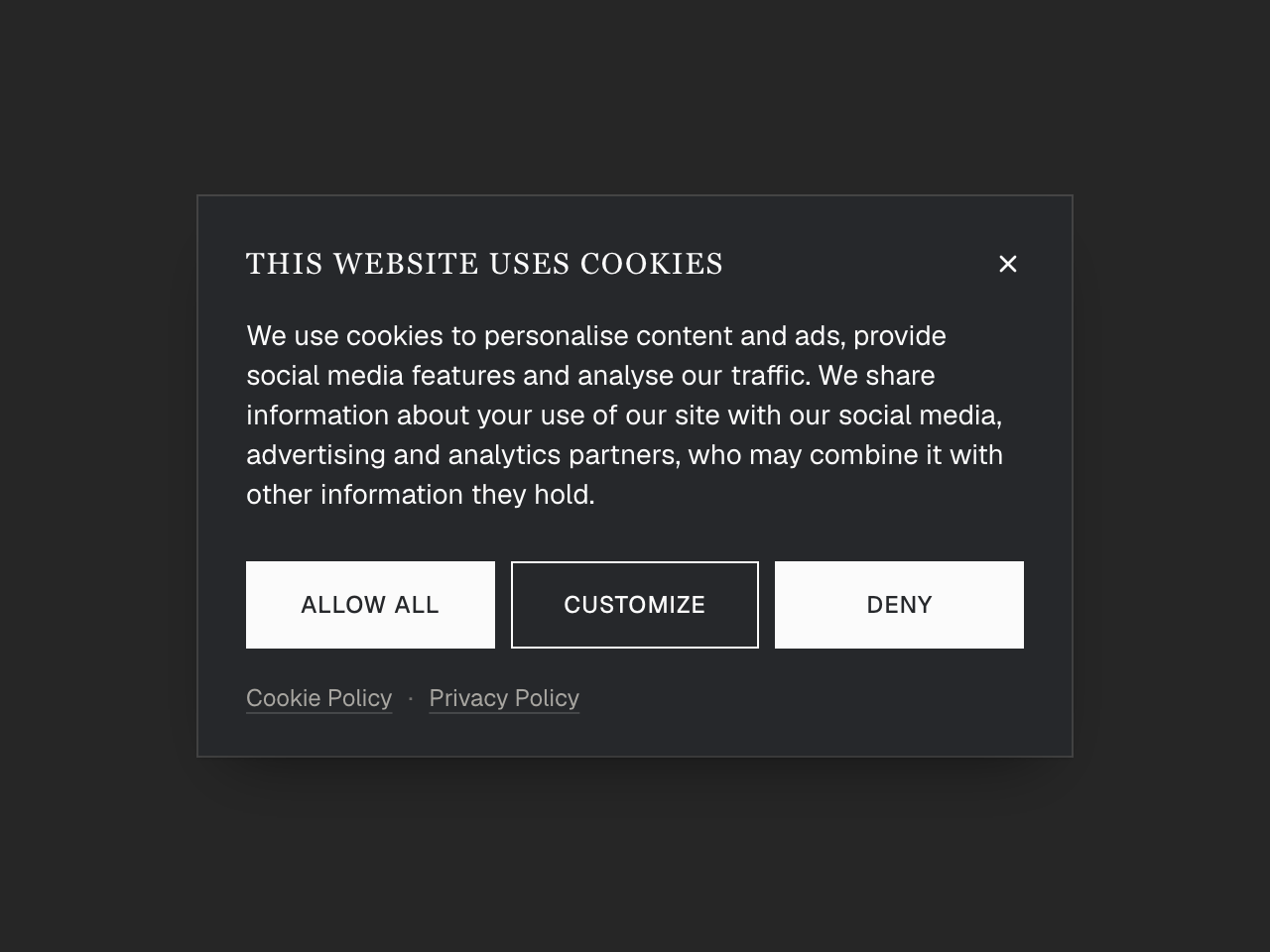
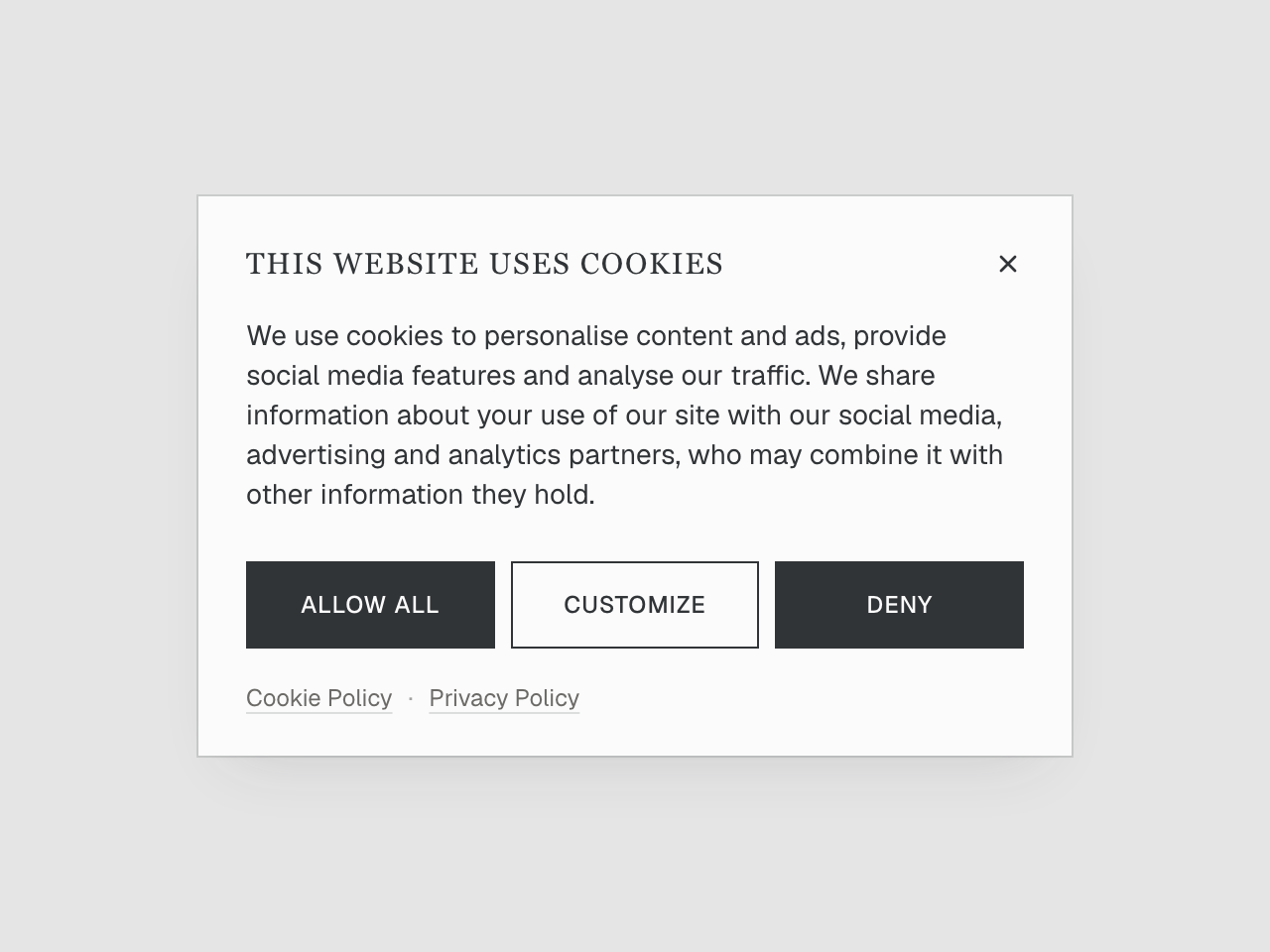
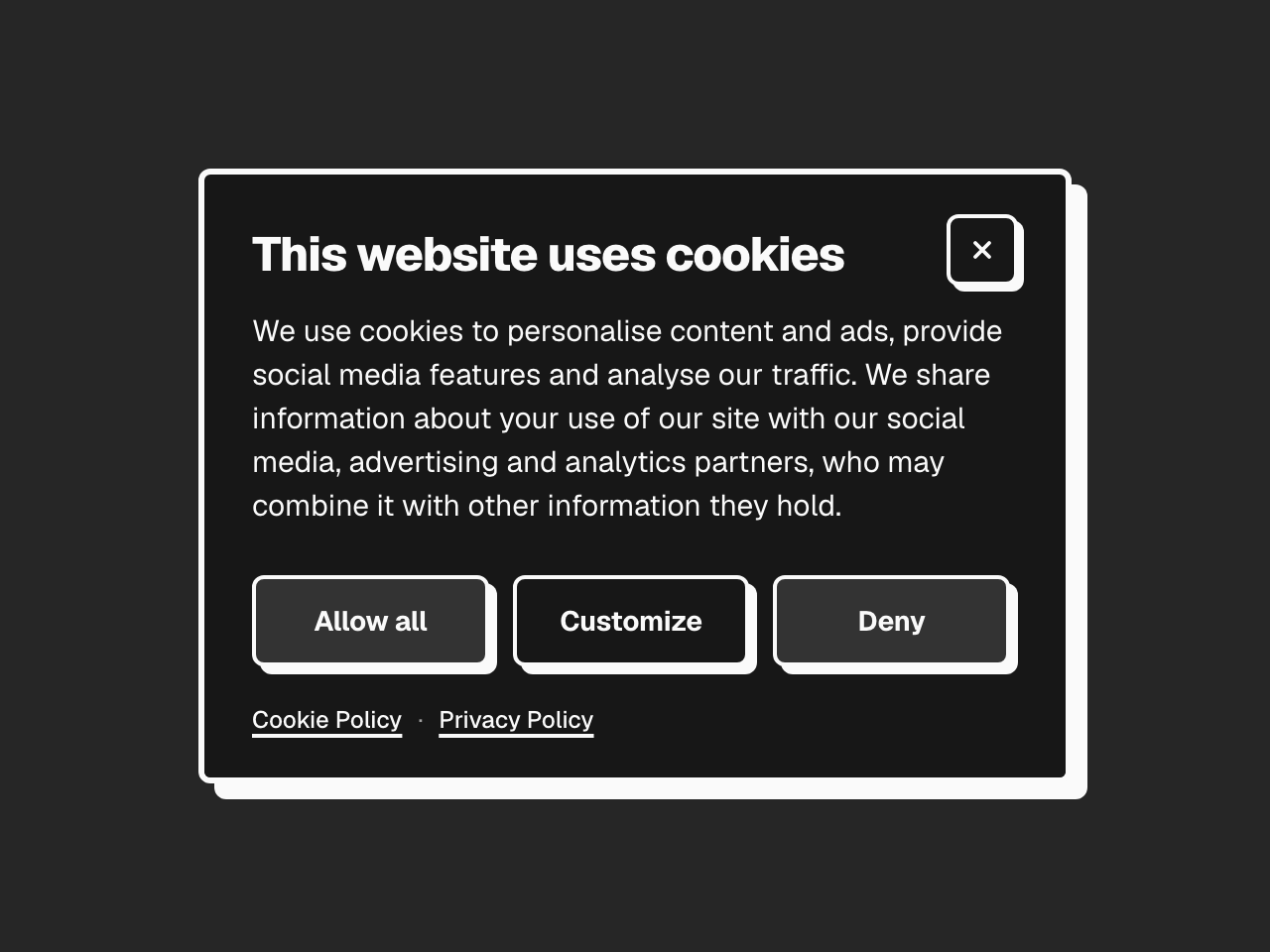
4 templates
Major design styles. Light & dark mode.
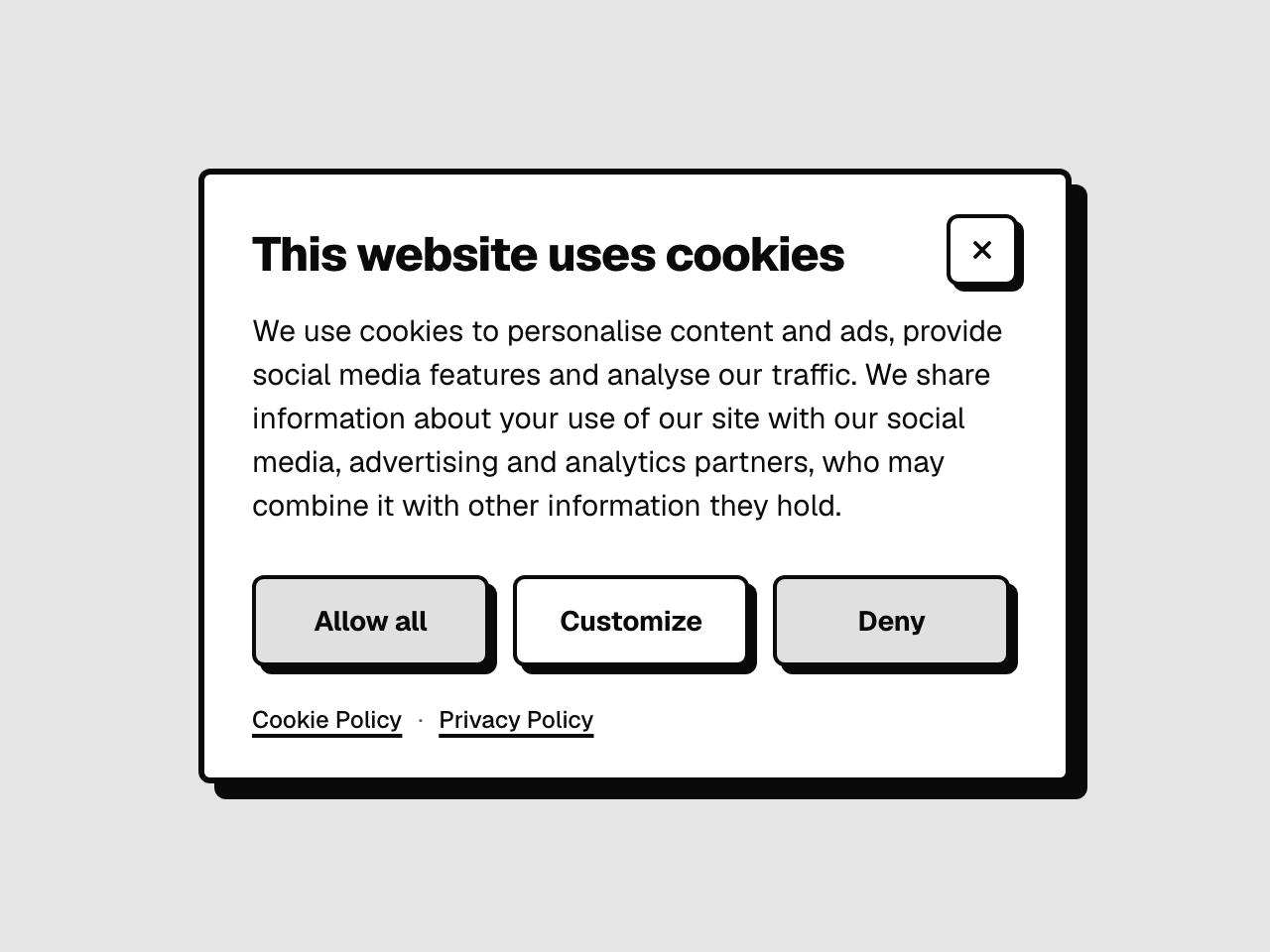
A Cookiebot banner that looks like your site
Checkout by Polar. The code unlocks right here, and your key comes by email.
Any number of sites. 14-day refund. Needs Cookiebot Premium.
Major design styles. Light & dark mode.
Your brand colour, in any of four placements.
Visitors change their mind in one click.
Three boxes into Cookiebot. It just works.
without the build
One price
Pick a template. Set your brand colour and placement. Paste the code into Cookiebot.
Select template
Think Linear, Vercel, Supabase.
Mode
Placement
A round button so visitors can change their mind later. Off, keep Cookiebot’s own trigger on.
Brand colour
Lands on the consent buttons and switches.
Left empty, a link is hidden. GDPR encourages linking both.
No developer needed
Keep Cookiebot open in another tab and follow along.
Set first: Premium plan, Multilevel banner, Explicit consent.
Then the two function names, and Save.
Biscuit.showFunction to hide bannerBiscuit.hideEqual buttons. Nothing pre-ticked.
€14 for all four, on any number of sites.
Plain HTML, CSS and JS. Rework it, or let your AI.
before you buy
All four templates in light and dark, each with a privacy button. Set your brand colour, placement and policy links, then copy the code. One payment, no subscription.
Custom templates need Cookiebot Premium. Check your plan before you buy: see Cookiebot’s plans.
No. The templates are built on Cookiebot’s custom template feature and its placeholders, so they only work in Cookiebot, on a Premium plan. If you are on another consent platform, or on a lower Cookiebot plan, check Cookiebot’s plans before you buy.
Yes. Your own sites and your clients’, as many as you like. Only reselling the templates themselves is out.
Yes. Email me within 14 days of buying and I refund you in full. No questions asked.
I follow the GDPR guidelines and keep the templates up to date, but no template can guarantee compliance. That also depends on your Cookiebot settings and your site.
Yes. All four share the same HTML and JS. Copy the new CSS box from the templates section, with your settings kept, and save.
With the privacy button. Once they choose, a small round button waits in the corner. It shows their choice and lets them change it. It is a short snippet for your site, not Cookiebot: Cookiebot only loads the template while the banner shows.
Not on its own. Each site switches its theme its own way, and a Cookiebot template cannot see how. Pick the mode that suits most of your pages. If your site simply follows the visitor’s system setting, you can join the dark and light CSS boxes into one.
From your Cookiebot settings. Biscuit hardcodes no text: every title, description, button label and cookie list is a Cookiebot placeholder, filled in with your own content and languages. Keep them short: a very long button label will wrap or crowd the banner.
Yes. The HTML, CSS and JS are yours to modify. Keep the Cookiebot IDs and placeholders intact.
Yes, for sure. I made Biscuit after building a custom template for my company. It took me six hours of back and forth to get it right. A good template for €14 would have saved me a lot of time, and my employer a lot of money.
Just me, Yannick, a product designer from Belgium. No company, no team, and not Cookiebot: Biscuit is an indie project, not affiliated with Cookiebot or Usercentrics. Cookiebot does the hard part, Biscuit adds the finish.
It pays for hosting, my Cookiebot licence to test every template, and the time to keep them up to date. €14, once, no subscription. Checkout is handled by Polar.
Something else? yannick at getbiscuit.dev